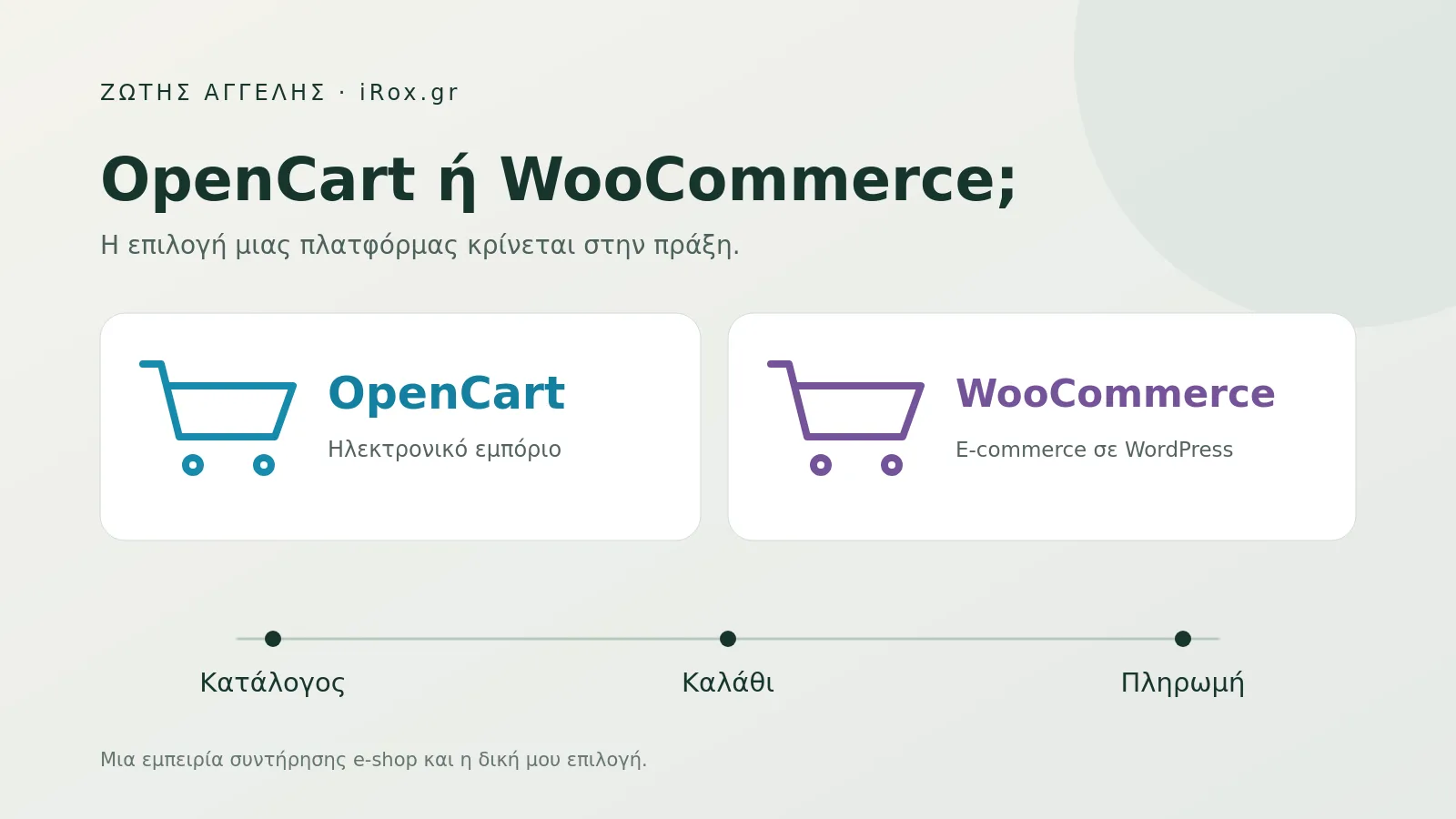
A recent review of a WordPress and WooCommerce store I maintain revealed problems in exactly that journey. I am keeping the business anonymous because the useful part is the technical lesson. The experience also helps explain why OpenCart is usually my first choice when planning a new online store.
When the customer reaches the cart
In this installation, the theme’s cart and order-review templates called a method that did not exist in the installed WooCommerce version. That caused a fatal error on the paths using that code. The homepage could remain available while an essential part of the buying process was affected.
We corrected those specific calls while preserving the way products were displayed. We then tested simple and variable products, quantity changes, cart removal and the journey to checkout on mobile and desktop. The fatal error did not recur in those checks. We did not carry out a real card charge.
A quick visit to the homepage would not reveal this kind of issue. It does not establish how many sales were lost or exactly when the problem began. It does establish why store checks need to follow the purchase journey.
A background task was running out of memory
The same review found memory exhaustion during generation of a product catalog feed for Facebook. This is the file through which an external platform receives products, prices and availability.
Generating a substantial part of the catalog in one execution placed pressure on the process. We reorganised that particular job into small, resumable batches, with validation before replacing the final file. In a controlled test on a copy of the store, memory consumption fell while the generated content remained identical.
We worked on how the file was produced, preserving what the external service expected to receive. Raising the memory limit can provide headroom, but it is still necessary to understand why the process exhausts it.
The cost that appears after delivery
A WooCommerce installation brings together WordPress, WooCommerce, a theme and the store’s extensions. Some themes contain their own copies of WooCommerce template files. As versions evolve, these need compatibility checks. WooCommerce’s own template documentation explains their maintenance.
A change may require testing across several parts of the store. That cost appears as review time, engineering work and recovery when components stop cooperating. I believe it belongs in the initial discussion alongside the development price.
The evidence does not establish that a recent update caused this particular error. That would require a reliable change history. It establishes that this installation had an incompatibility that needed correction and testing.
Why I prefer OpenCart for a new online store
When selling products is a website’s main purpose, I prefer to start with a platform organised around ecommerce. OpenCart includes product catalogs, product options, orders, customers, coupons and store management in its core. These are described in its official feature list.
That organisation fits how I work. I can build presentation and extensions around a clear commercial workflow, selecting what each store actually needs. My preference concerns the foundation I build on and my ability to maintain it consistently.
OpenCart needs review too. An old theme, a poorly implemented payment extension or an expensive feed-generation process can cause problems there as well. I do not assume it is faster or more secure simply because of its name. Those qualities depend on implementation and measurement.
Maintenance also extends to the server hosting the shop. In the article about PHP security updates, I explain what a store owner can ask their technician.
Examples from our work at iRox
Through iRox.gr, I work with several OpenCart stores. Our involvement differs between projects: some involve development and customisation, while others focus on technical support and ongoing improvement.
- Rock Deal: clothing and accessories with rock, gaming and pop culture designs. Our work has included navigation, cart presentation, checkout and shipping options.
- Eunoia Tales: handmade candles and fragrance products, with attention to presentation, product stories and a simpler buying process.
- Point Store: technical support and optimisation of an existing OpenCart store selling personalised gifts.
- Kastanioti: home products, with work on category organisation, photographs and useful editorial content.
These are separate OpenCart project examples, independent of the anonymous case described at the beginning. Further details are available in the iRox portfolio and on my iRox & projects page.
What I would ask before choosing a platform
I would ask to see product options, payment, shipping and external catalog integrations in practice. I would ask who tests upgrades, how backups are kept and how easily another developer could take over. WooCommerce’s update guidance also includes backups, staging and checks of essential store workflows.
A well-maintained WooCommerce store can serve a business very well. If one already exists, finding an error is not enough for me to recommend migration. I first consider whether it can be fixed, which dependencies exist and what changing platforms would actually cost.
For a new store whose main purpose is ecommerce, OpenCart remains my starting point. If you are considering one, the iRox OpenCart store development page explains our approach. I want the owner to understand what they are buying today and who will keep it working tomorrow.