That is the difficult part about security updates: when one is missing, there is usually no warning in your storefront.
What happened
On 21 October 2026, the PHP team announced fixes for two critical security flaws. Under certain conditions, they could let someone run code on a server without having an account on the site. The advisory also covers servers using PHP-FPM, a common way of running PHP.
PHP runs behind many websites and online shops, including WordPress, WooCommerce and OpenCart. You may never see it in your admin panel, but it is involved when visitors open your pages.
This does not mean every site awaiting an update has already been compromised. It means there is a known, serious reason to check it now.
Updating your website is different from updating your server
You can update WordPress, your theme and your plugins while the server still runs an older PHP package. Those are separate tasks. Hiding the PHP version from public website headers does not install a patch either.
If one server hosts several websites, each needs checking. Different sites on the same server can use different PHP versions.
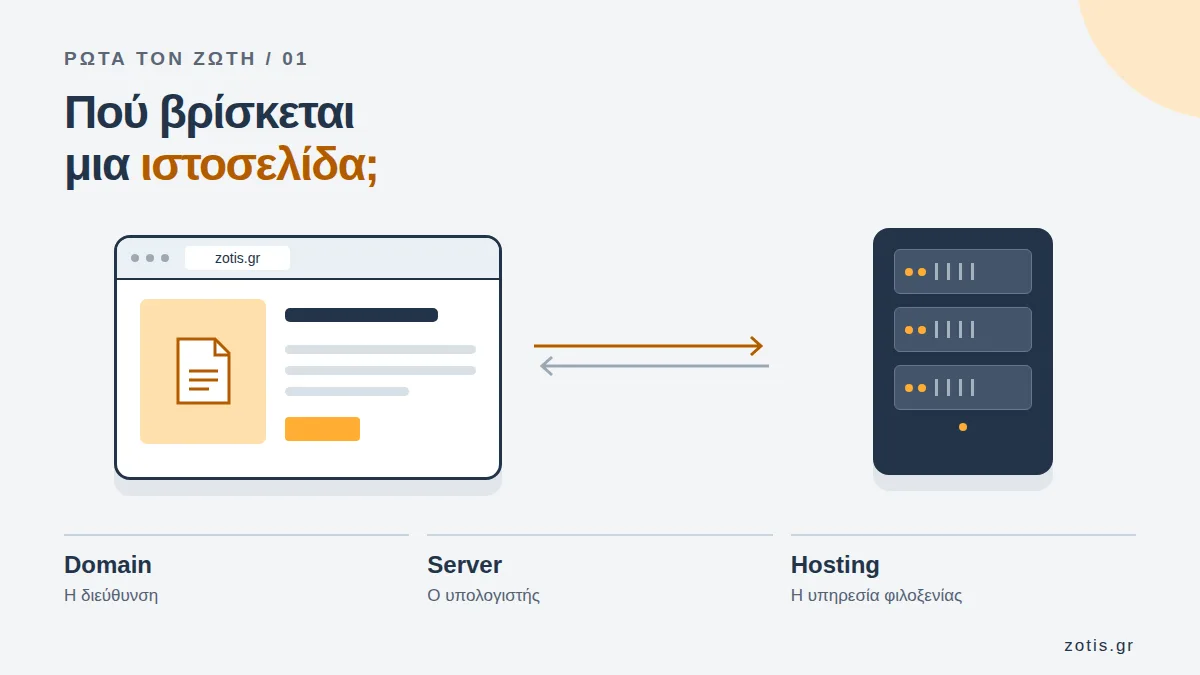
If those terms feel confusing, I have explained hosting and servers in everyday language so you can understand which service you are discussing with your technician.
What to ask your technician
You do not need to open a terminal yourself. Send a message to the person or company maintaining your site and ask for a specific answer:
- Which PHP version actually serves my website, and has it received the fix for the two flaws announced on 21 October?
- Did the package update finish without errors, and was the PHP service restarted where necessary?
- After the update, were the key functions checked: orders, payments, contact forms and email?
- If there are other websites on the same server, were they checked too?
“The server says everything is up to date” is not enough on its own. A package repository can fail during an update, leaving the server with old package lists. What matters is which package was installed and which version is running.
A question worth asking
The versions officially released by PHP with these fixes are 8.2.35, 8.3.36, 8.4.27 and 8.5.12. Patched packages also exist for older branches: Sury has backported these fixes to its PHP 7.4.33-31 and PHP 5.6.40-104 packages. If your server uses that repository, your technician can check which package is actually installed. A vendor patch does not restore official support for these older PHP versions; an upgrade plan still matters.
I am not writing this to make anyone panic or change production settings blindly. I am writing it because a website can look healthy while a critical update is missing.
If you run a website or online shop, ask your technician about the 21 October update. The patch exists. The important thing is knowing it reached your server.
And a thank you to Ondřej Surý, who has spent years preparing PHP packages and helping the community maintain systems that still depend on them.
Sources: the official PHP advisory for CVE-2026-109618 and CVE-2026-109619, and the Sury package changelogs for PHP 5.6.40-104 and 7.4.33-31.