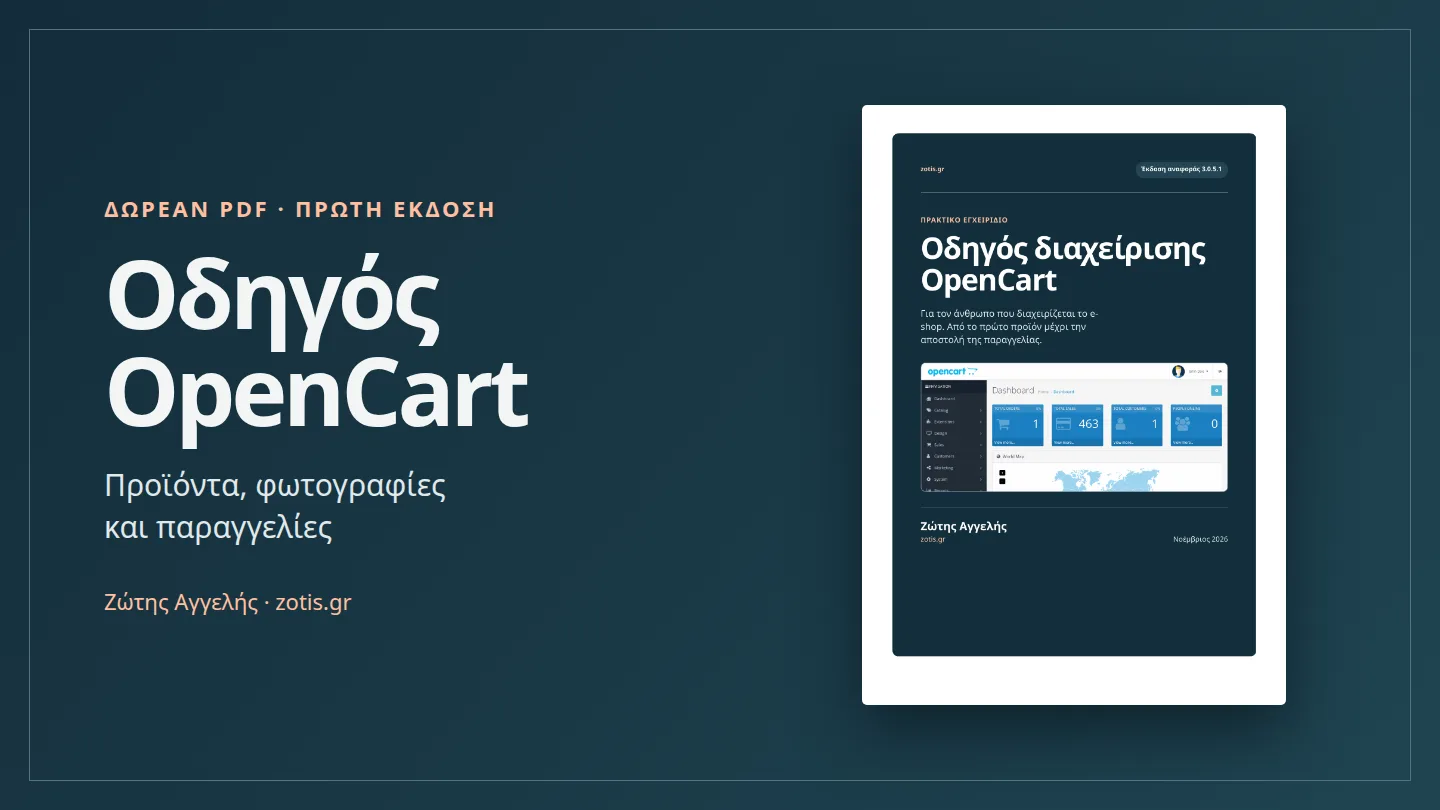
This is the first edition of the guide. I wrote it for shop owners and administrators who want to handle day-to-day changes themselves. The PDF is in Greek and includes 26 pages and 22 screenshots from an OpenCart 3.0.5.1 demo store.
Download the free OpenCart guide (Greek PDF)
First edition · Greek · 26 pages · 1.6 MB
How to manage your OpenCart store
- Add, duplicate, disable or delete products and assign them to categories.
- Upload main and gallery photos, set prices and stock, and create options like size or colour.
- Process orders, update shipping status, record returns and create coupons.
- Configure payments, shipping, SEO, staff permissions and backups.
Where to start
If you are listing your first product, start with the product and image sections. Leave it disabled while you check its price, stock and photos. After enabling it, open the storefront on your phone to see what customers will see. The PDF contents link to each section.
The screenshots show the standard OpenCart 3 admin. OpenCart 4, custom themes and extensions can use different labels and screens.
OpenCart support in Katerini and Pieria
If you run a shop in Katerini or elsewhere in Pieria and need help with your catalogue, checkout or upkeep, we provide OpenCart development and support through iRox.
Related reading OpenCart or WooCommerce? Why I prefer OpenCart.